DancePro guide
How to Count Beats in a Dance Video with DancePro
When you are learning choreography, it helps to know both what happens and when it happens. DancePro Beat Sync detects the tempo of an imported video and places an eight-count reference over playback, so the musical pulse stays visible while you practice.
By Lazy8 Studio · Published
Quick Answer
Import a dance video from Photos into DancePro and let Beat Sync analyze its audio. Follow the 1–8 count overlay while the video plays, using whole beats or subdivisions. Listen and check that the count matches the phrase before rehearsing. Automatic detection is free; Pro adds controls for correcting tempo, the first count, and timing offsets.
One phrase, eight counts
What BPM and Eight-Counts Tell You
BPM means beats per minute: 120 BPM has two beats each second. Dancers often group the pulse into counts 1 through 8 to organize a phrase. Finding the pulse and finding the beginning of the choreographic phrase are related tasks, but they are not always the same task.
A movement may start on an upbeat or between beats. A musical introduction may also place the first movement later than the first detected beat. Treat the overlay as a timing reference and keep listening to the original music.
Follow Counts in an Imported Dance Video
- 1. Choose your reference: Save a video you have permission to use in Photos, import it into DancePro, and open the routine.
- 2. Let Beat Sync analyze the audio: DancePro detects tempo on your device. The audio analysis does not require an internet connection.
- 3. Check one phrase by ear: Listen to a clear section and count along. Check whether the detected pulse follows the beat you use for the choreography.
- 4. Choose the count detail: Use whole counts or subdivisions such as 1 & 2 & when the movement falls between beats.
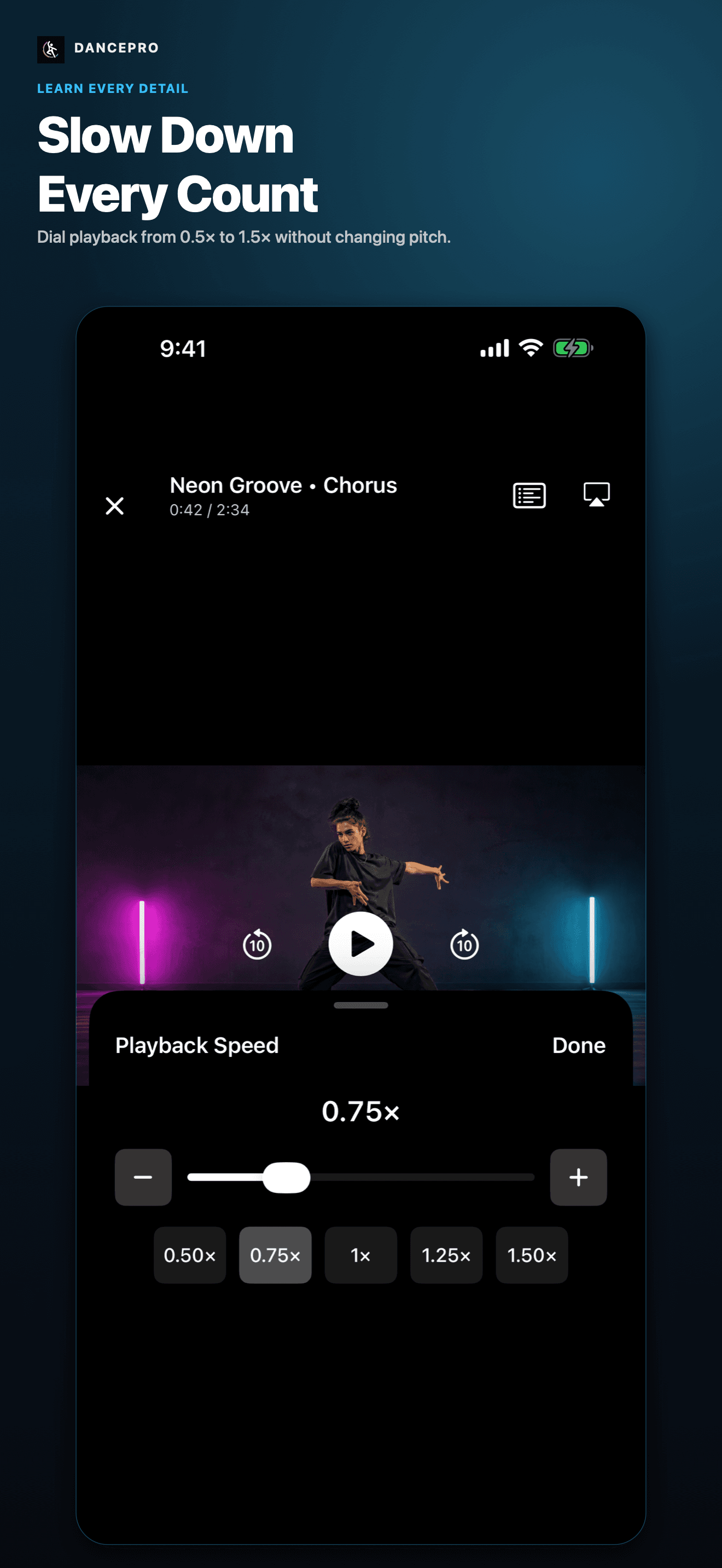
- 5. Practice a short section: Loop the phrase, slow playback if needed, and use the visible count to locate the movement you are studying. Then test the phrase without watching the overlay.
Work Through One Eight-Count
For a simple practice example, choose a phrase that begins with a step on 1 and ends with a landing on 8. Watch once and name the three moments you want to check: the first step, a change on 5, and the landing on 8.
Loop enough video to include a preparation before 1 and the finish after 8. Start at 0.5× or 0.75×. Say the counts aloud, then record a take and review those same three moments. This gives you a specific timing check rather than a general impression of whether the whole dance looked right.
When the Detected Count Needs Adjusting
The pulse feels twice as fast or slow
Some music can support more than one pulse interpretation. Pro includes half- and double-tempo correction so the count can match the way you rehearse.
Count 1 falls in the wrong place
The phrase may begin on a different beat. Pro lets you assign a count to the current beat or set count 1 at the current moment.
The count is slightly ahead or behind
Pro provides timing nudges and a half-beat shift. Listen again after adjusting rather than assuming the first result is exact.
The music is hard to hear
Speech, room noise, or an unclear rhythm can make the pulse harder to identify. Listen to a clearer section, count manually, or use a better reference recording.
What Is Free and What Pro Adds
Automatic Beat Sync, playback controls, recording, editing, sharing, and practice tracking are available free. The free library supports up to five routines and five bookmarks per routine, and exported videos include a DancePro watermark.
Pro adds full Beat Sync tempo and count adjustments, unlimited routines and bookmarks, watermark-free exports, and advanced practice insights. The app shows current subscription prices and trial eligibility before purchase.
Find the count. Practice the phrase.
Import your dance video into DancePro, follow Beat Sync, and combine counts with slow playback, focused loops, and recording on iPhone or iPad.
DownloadFrequently Asked Questions
Can an iPhone app count beats in a dance video?
DancePro can detect BPM from the audio of a video imported from Photos and display a 1–8 count overlay. Check the result against the music and choreography before relying on it.
Is DancePro Beat Sync free?
Automatic detection and the count overlay are free. Pro adds manual corrections for tempo, count alignment, and timing.
Does BPM detection know where the choreography begins?
Not necessarily. Tempo describes the musical pulse; the choreographic phrase can start on another beat or subdivision. Listen and check the first count against your reference.
Can I use the counts while slowing or looping a video?
Yes. Beat Sync is part of the imported-video practice workflow, alongside speed control and A–B loops. Start with a short phrase and verify the count against what you hear.
Keep Learning
Explore DancePro, the dance practice video player for iPhone and iPad.
Sources and Further Reading
These references informed the guide. Dance training is individual; use qualified instruction for technique, injury concerns, and movements that are new or unsafe in your space.