By Lazy8 Studio
DancePro Dance practice video player
Turn any dance video into a lesson.
Learn choreography from videos you import from Photos on iPhone or iPad. Slow down a phrase, loop the difficult counts, mirror the reference, follow Beat Sync, and record yourself while the tutorial keeps playing.
Features
Learn the move, find the detail, and make every practice session count.
Built for practice
The tools between watching and getting it right.
DancePro keeps the video, the repetition, and your progress in one place—without getting between you and the routine.
Beat Sync counts
Automatically detect tempo and follow a 1–8 count overlay while the video plays. Pro adds tempo and count adjustments.
Your video library
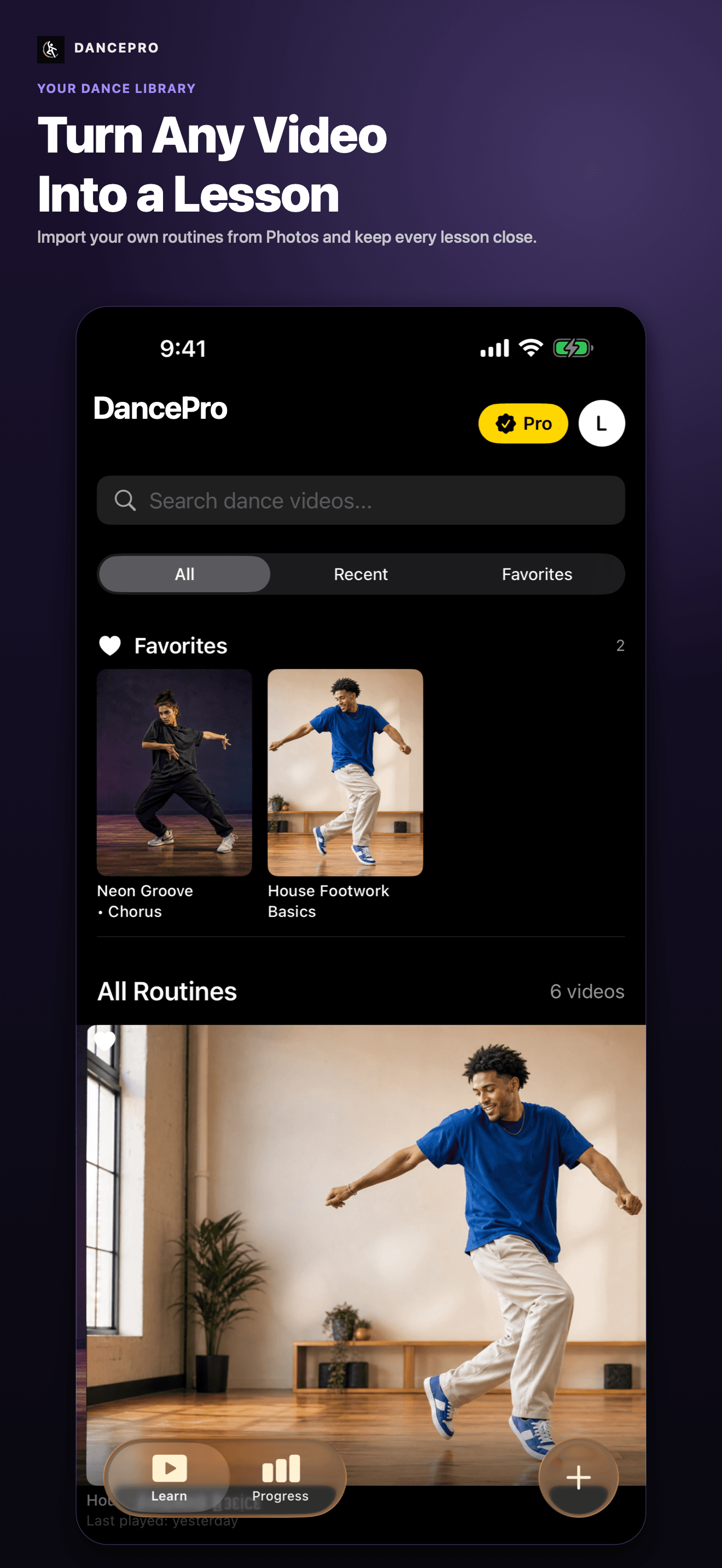
Import dance videos from Photos and keep the routines you are learning together in one focused library.
Precision playback
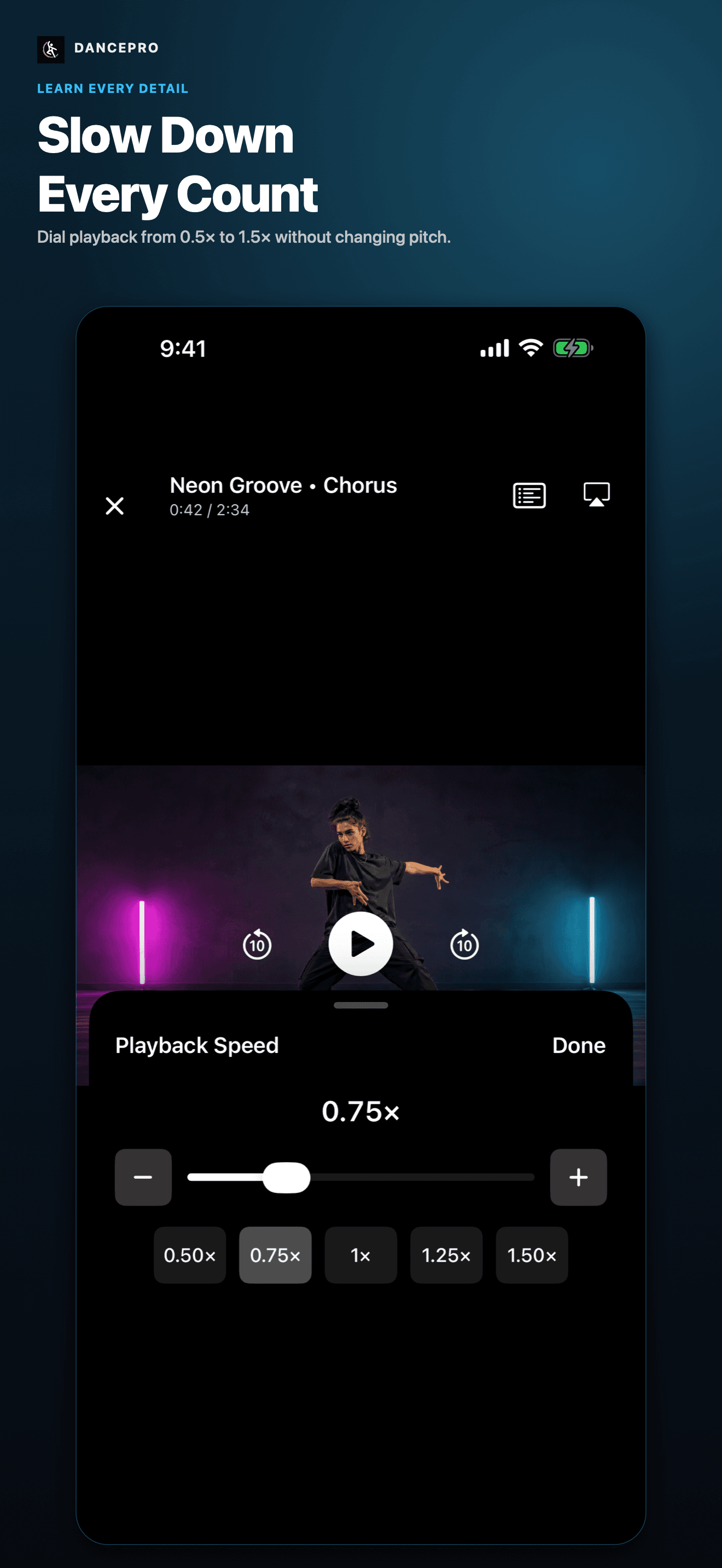
Adjust playback from 0.5× to 1.5× without changing pitch, then scrub to the detail you want to study.
A–B practice loops
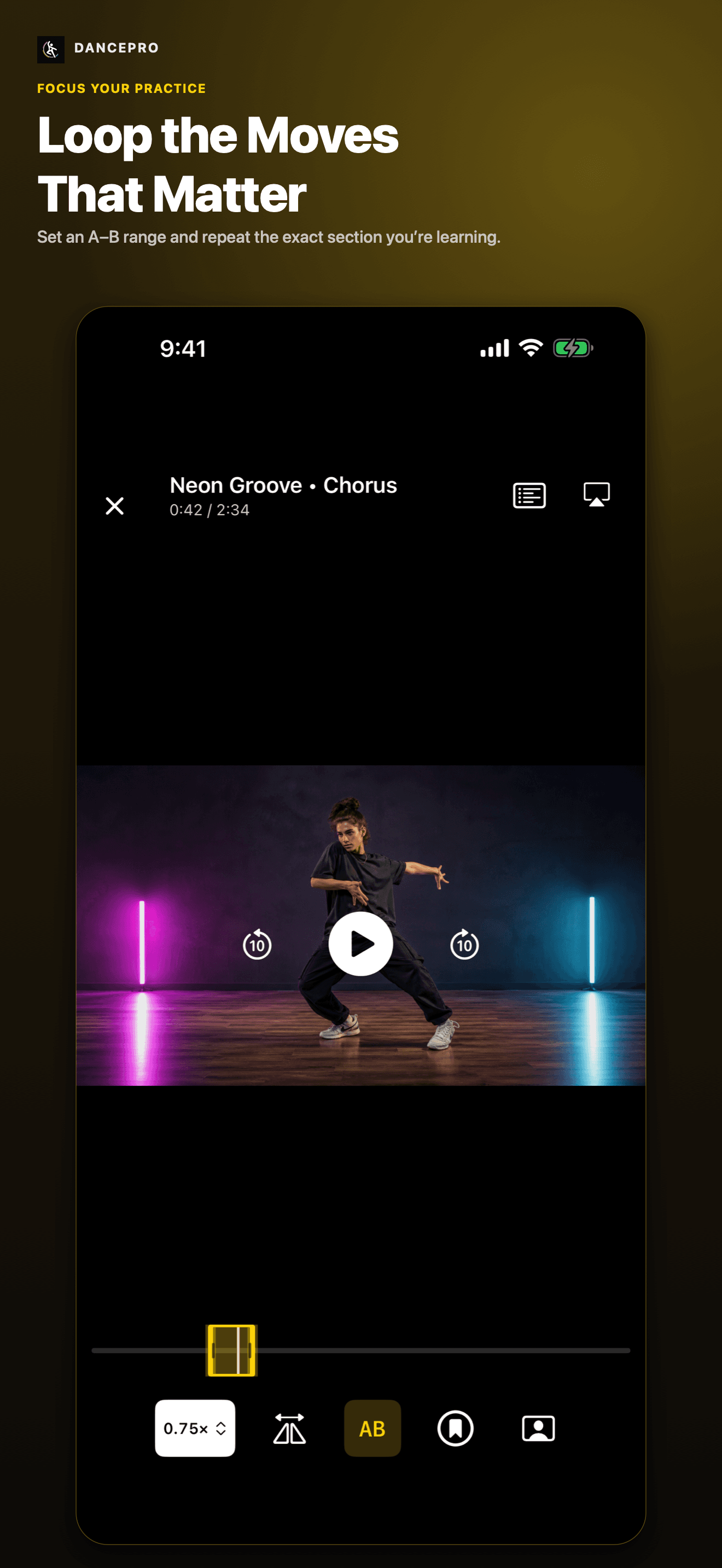
Set the exact beginning and end of a phrase, then repeat it until the movement feels natural.
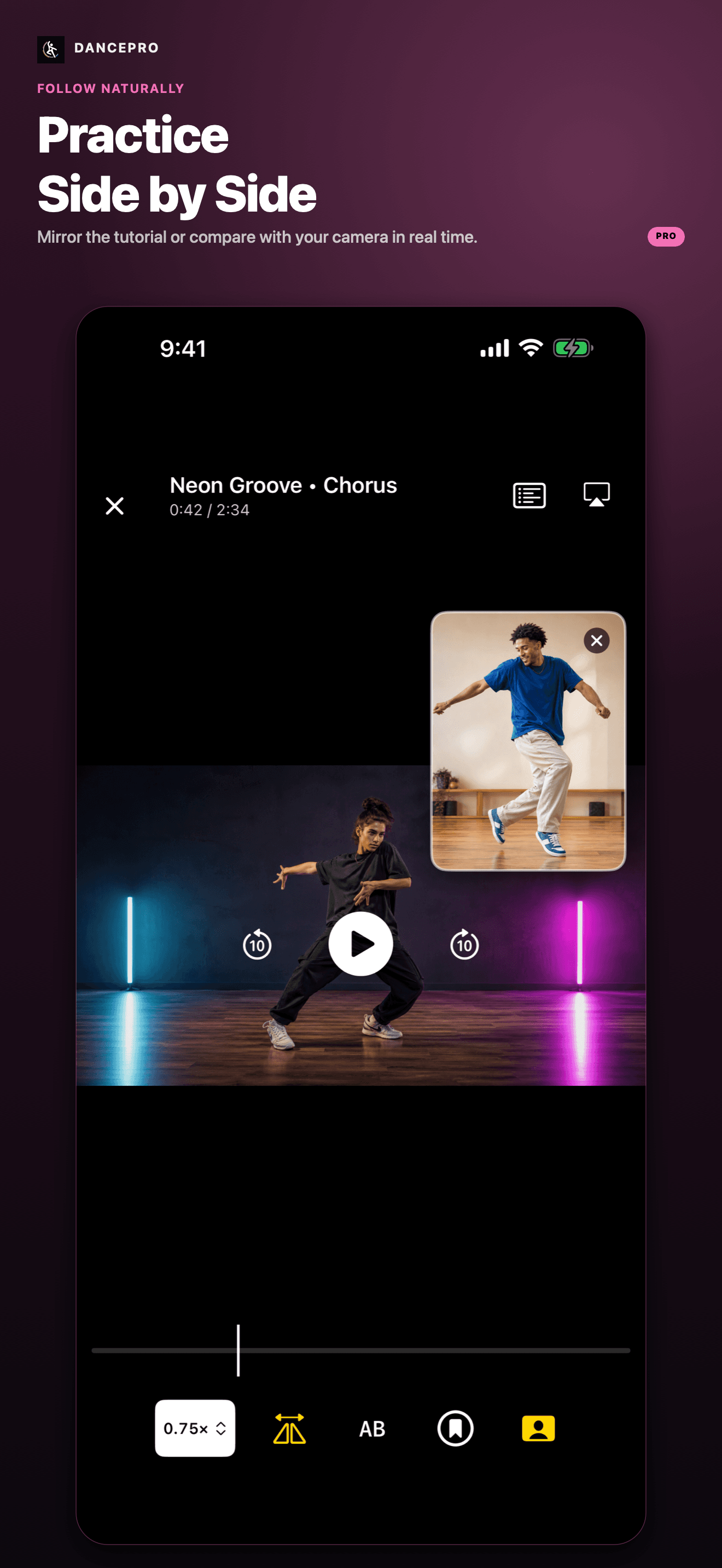
Side-by-side practice
Mirror an imported tutorial and open the front-camera preview to compare your movement while you practice.
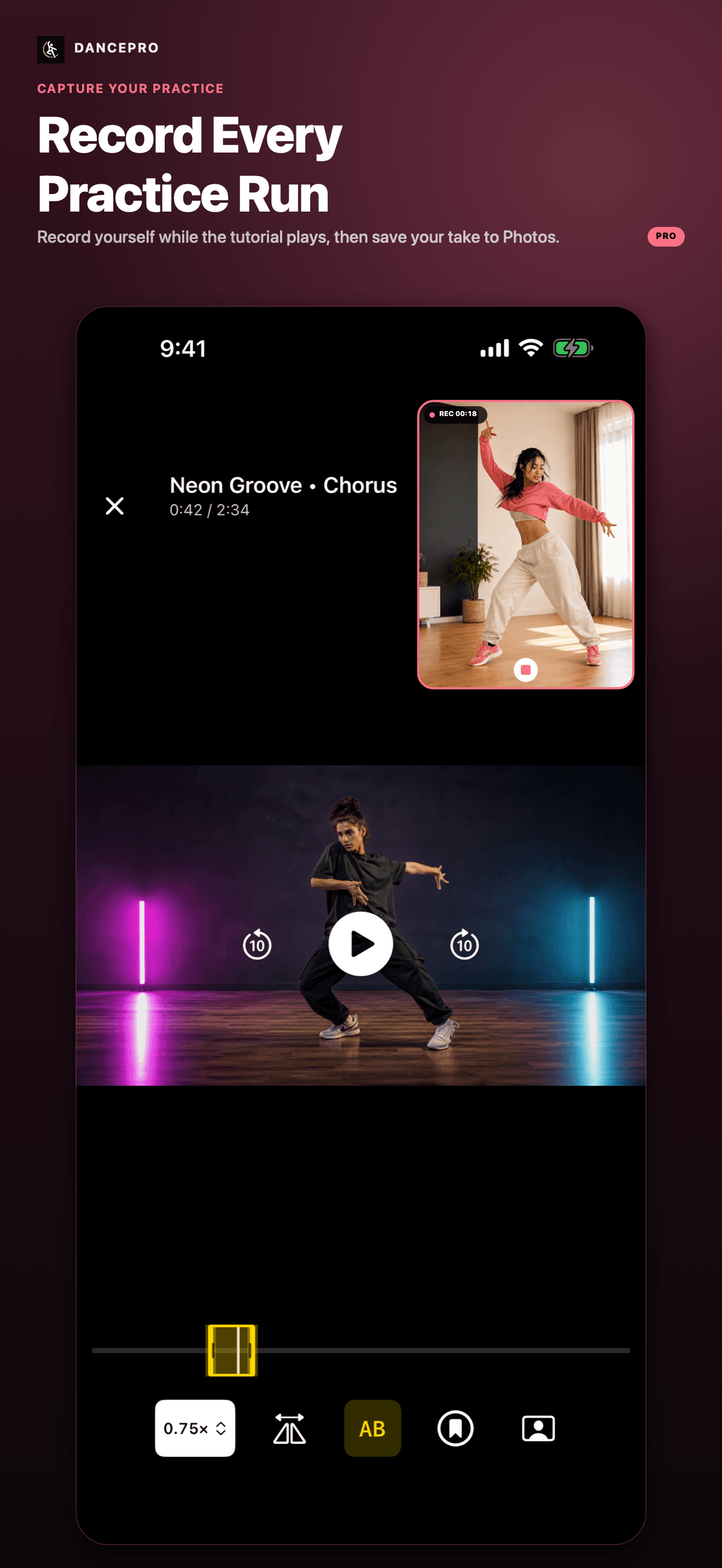
Record, edit, and share
Record while the tutorial plays, trim your take, and save or share it for free. Pro removes the export watermark.
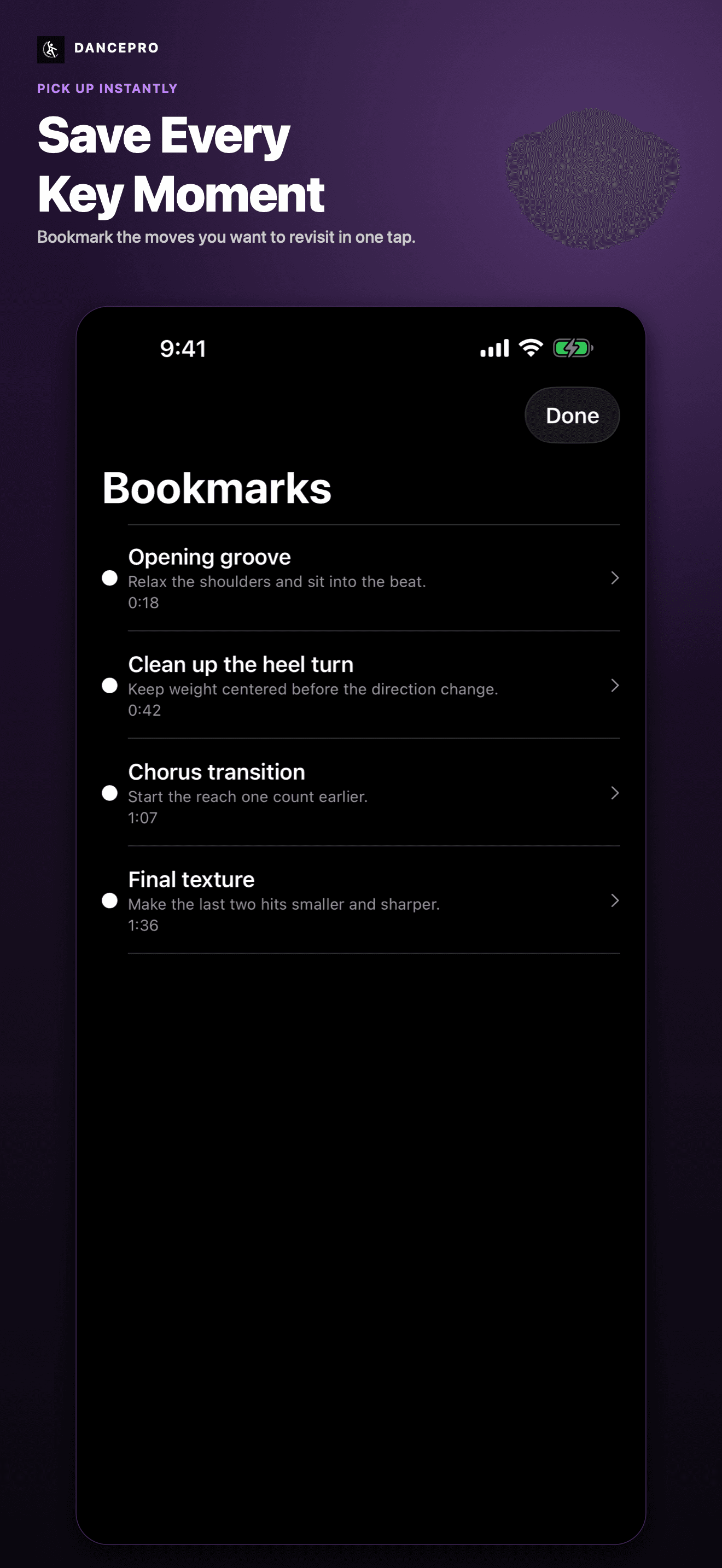
Named bookmarks
Save every key moment so the counts that need another pass are always one tap away.
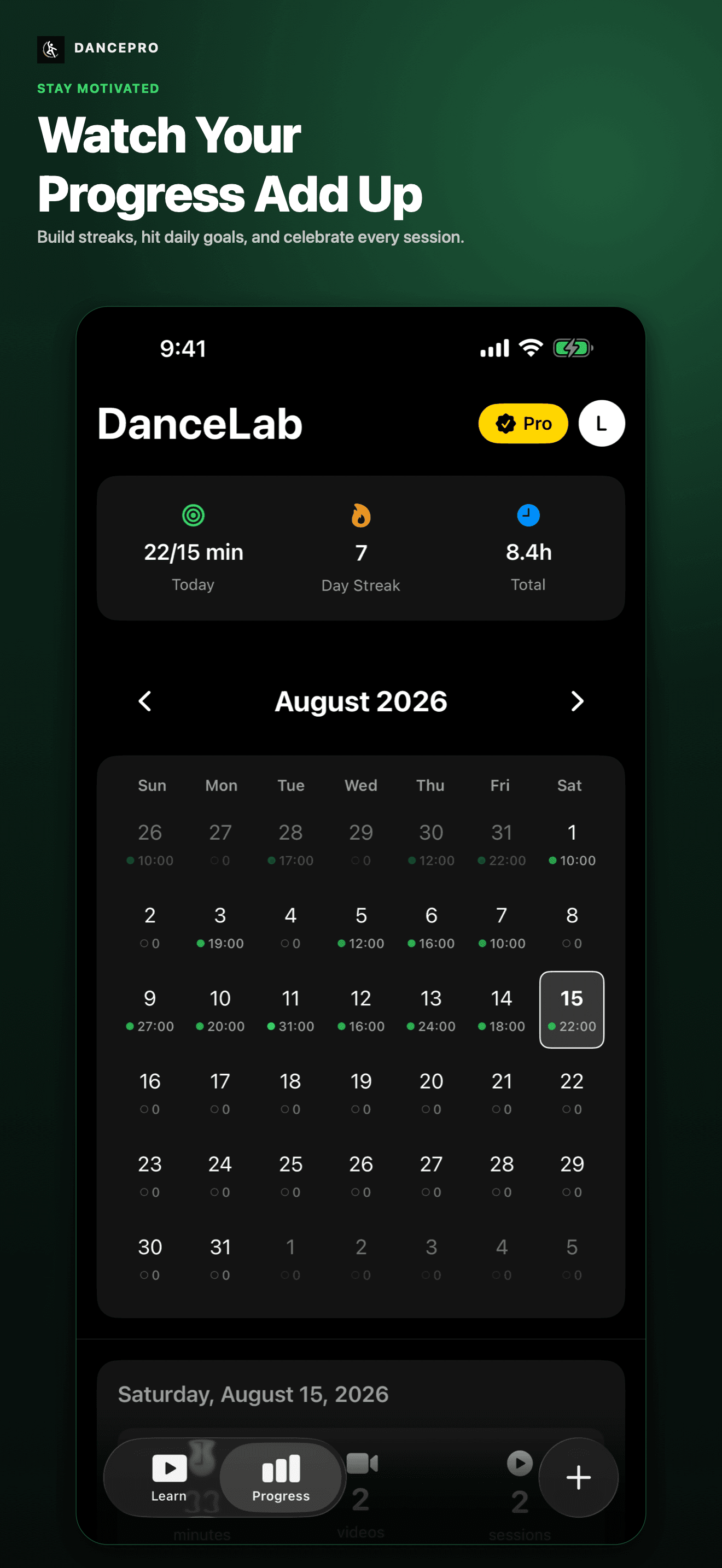
Practice progress
See daily goals, streaks, practice time, sessions, and achievements build as you keep showing up.
Record yourself while watching a dance tutorial
- Import a video from Photos and open the routine you want to practice.
- Choose the playback speed and loop the phrase you want to learn.
- Open the front-camera preview and record your run alongside the reference.
- Review and trim the take, then save it to Photos or share your result.
Need help with timing? Learn how Beat Sync counts a dance video. For repetition, follow the slow-down and A–B loop walkthrough.
For camera setup, synchronized review, trimming, and export, follow the complete dance tutorial recording guide.
Start practicing for free
Automatic Beat Sync, playback controls, recording, editing, sharing, and progress tracking are free. Keep up to five routines and five bookmarks per routine. Free video exports include a DancePro watermark.
Go further with DancePro Pro
Pro adds Beat Sync tempo and count adjustments, unlimited routines and bookmarks, watermark-free exports, and advanced practice insights. Monthly and annual plans, current prices, and any trial eligibility are shown before purchase.
DancePro works with videos you import from Photos. Dance classes, choreography, and music are not included.
Designed for iPhone and iPad. Requires iOS or iPadOS 26 or later. Check the App Store for current device compatibility.
Dance practice guides
Better ways to learn from any dance video.
Practical notes on slow practice, looping, mirroring, memory, self-review, and the details that turn watching into learning.
Guide
How to Record Yourself While Watching a Dance Tutorial on iPhone
Practice with your camera beside a saved dance video, record both in sync, review one phrase, and trim or export your take with DancePro on iPhone and iPad.
Read guideGuide
How to Count Beats in a Dance Video with DancePro
Use DancePro Beat Sync to detect BPM, follow an eight-count overlay, and check the timing of an imported dance video on iPhone or iPad.
Read guideGuide
How to Learn Choreography From Any Dance Video
A practical seven-step method for turning any saved dance video into a routine you can understand, remember, and perform at full speed.
Read guideAvailable now
Download DancePro on the App Store.
Import a dance video and start learning every move at your pace.